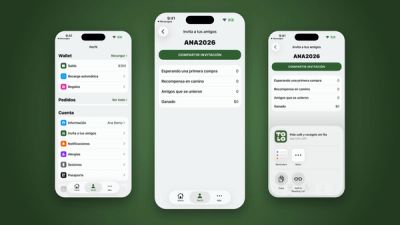
Gift TOLO balance from the app, shared as a link
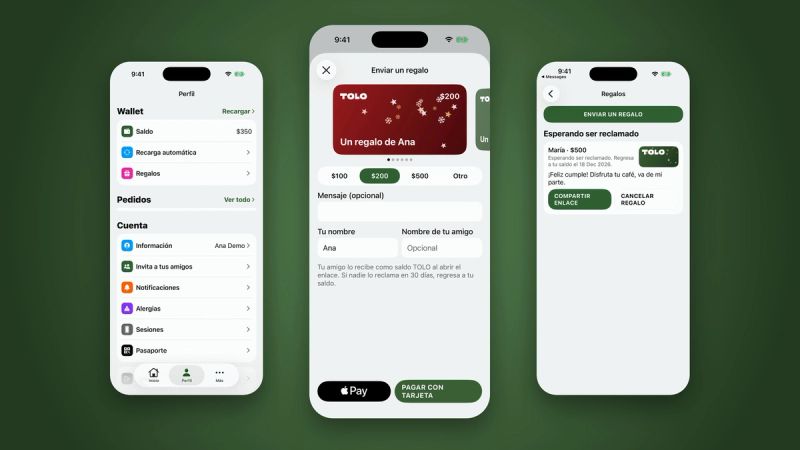
Starting today, the TOLO app lets you gift TOLO balance to anyone. Pick an amount, choose a card design, add a message and share it as a link on WhatsApp, Instagram or any app you like. Your friend opens it, signs in and the balance lands in their account.
It is rolling out to the app step by step, so you may see it before your friends do.
How it works
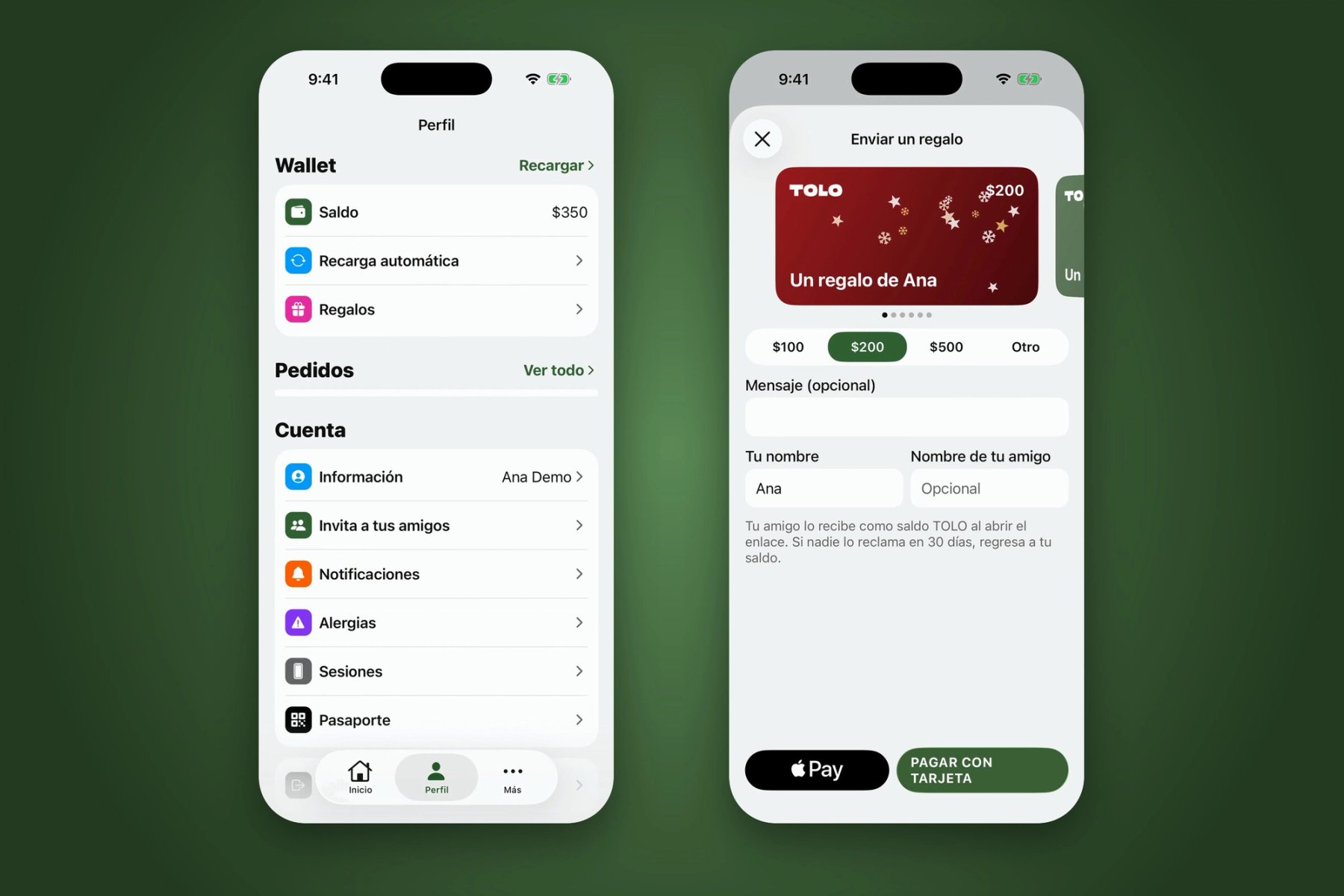
- In the app, go to Profile and, in your Wallet, tap Gifts.
- Tap Send a gift, swipe to pick a card design and choose $100, $200, $500 or another amount from $50 to $500.
- Write a message and, if you like, your friend's name.
- Pay with Apple Pay or Google Pay, or by card.
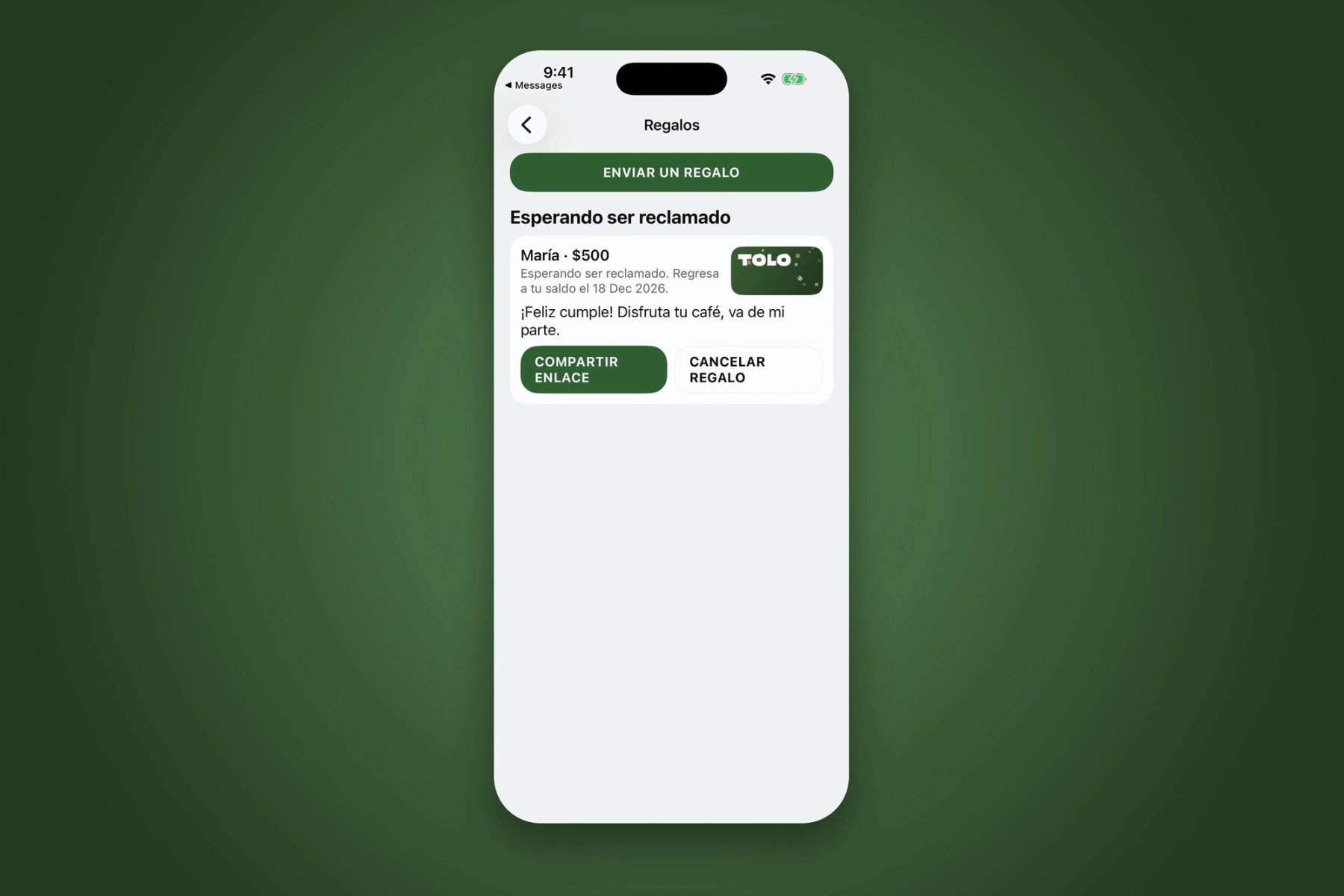
- Tap Share link and send it on WhatsApp, Instagram or whichever channel you prefer.
Your friend claims it in seconds
Whoever opens the link signs in with their phone number in the TOLO app, the App Clip or app.tolo.cafe, and the gift becomes TOLO balance. It pays at app checkout and at the counter in our cafés, so there is nothing extra to redeem.
Cards for every season
The designs change through the year: animated cards for Christmas, Kings Day, Valentine's Day and more. The link preview shows the same card, so the gift looks right in the chat before anyone opens it.
If nobody opens it
A gift has 30 days to be claimed. If nobody opens it in that time, the balance returns to yours. You can also cancel a pending gift from the Gifts screen.
More details on the gift cards page.