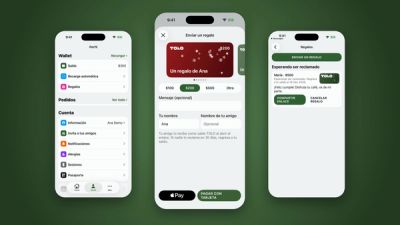
Invite your friends to TOLO and you both earn balance
Press release
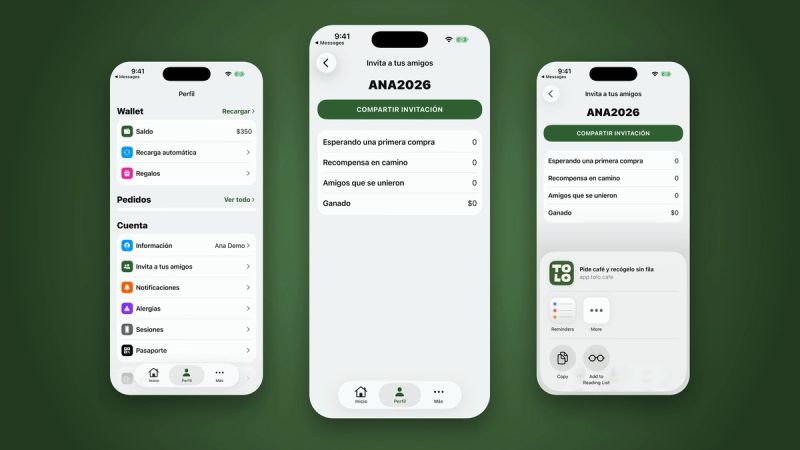
Starting today, every TOLO app account has its own referral code and link. Share it with a friend: when they join with your code and make their first paid purchase, you both earn TOLO balance.
It is rolling out to the app step by step, so you may see it before your friends do.
How it works
- In the app, go to Profile and tap Invite your friends.
- That is your personal code: it is unique, and it is what your friend uses when they join.
- Tap Share invite and send it on WhatsApp, Instagram or whichever channel you prefer.
- Your friend adds your code when they sign in to TOLO for the first time.

Follow your progress
The same screen shows how it is going: who is still waiting for their first purchase, rewards on the way, friends who joined and what you have earned so far.
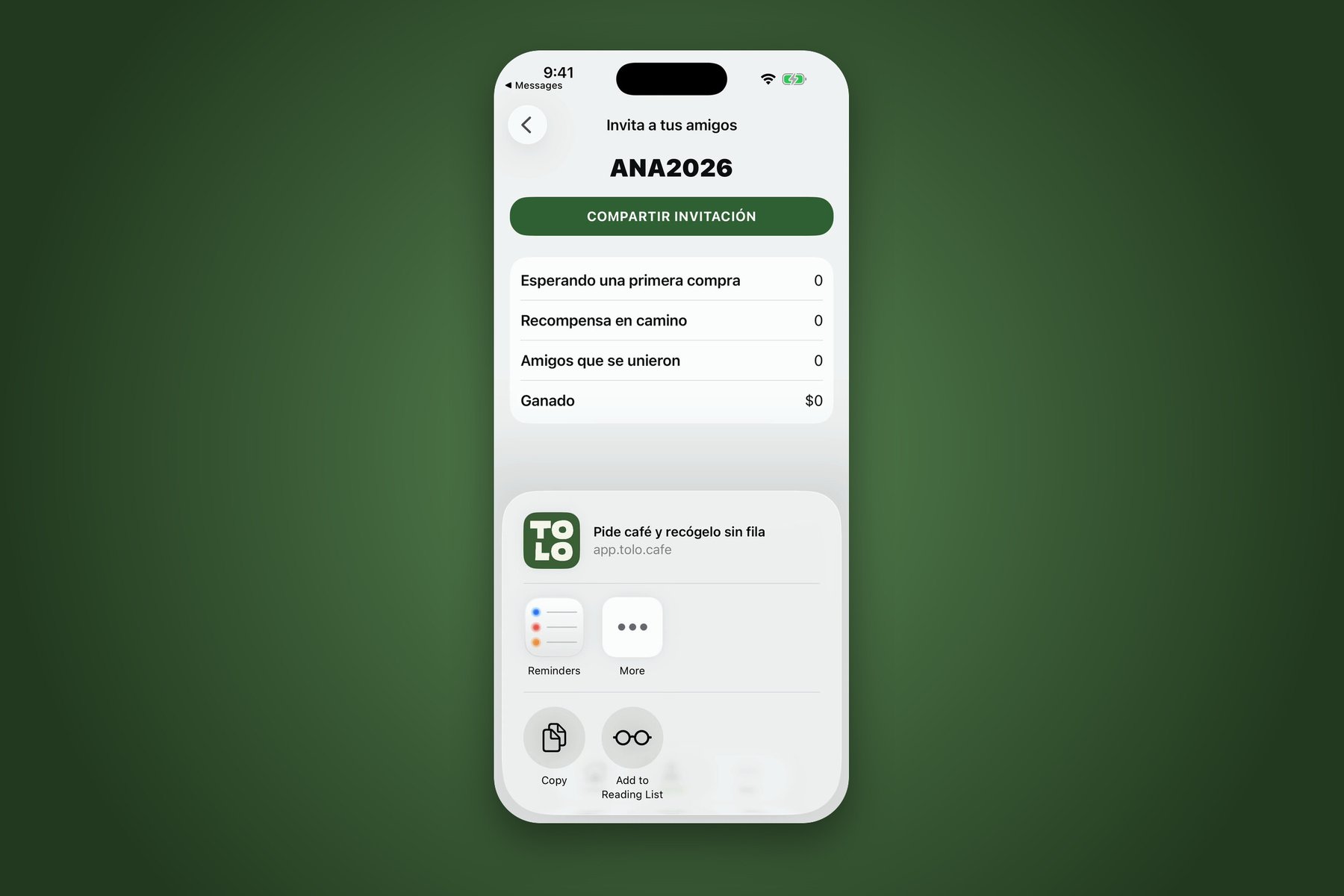
You both earn
When your friend makes their first paid purchase, you each get TOLO balance in your account. It pays at app checkout and at the counter in our cafés. We will publish the exact amounts and conditions at launch.
More details on the refer a friend page.